Computer Education
Short Terms Computer Certificate Course
4.8 / 5.0
CODE: CI
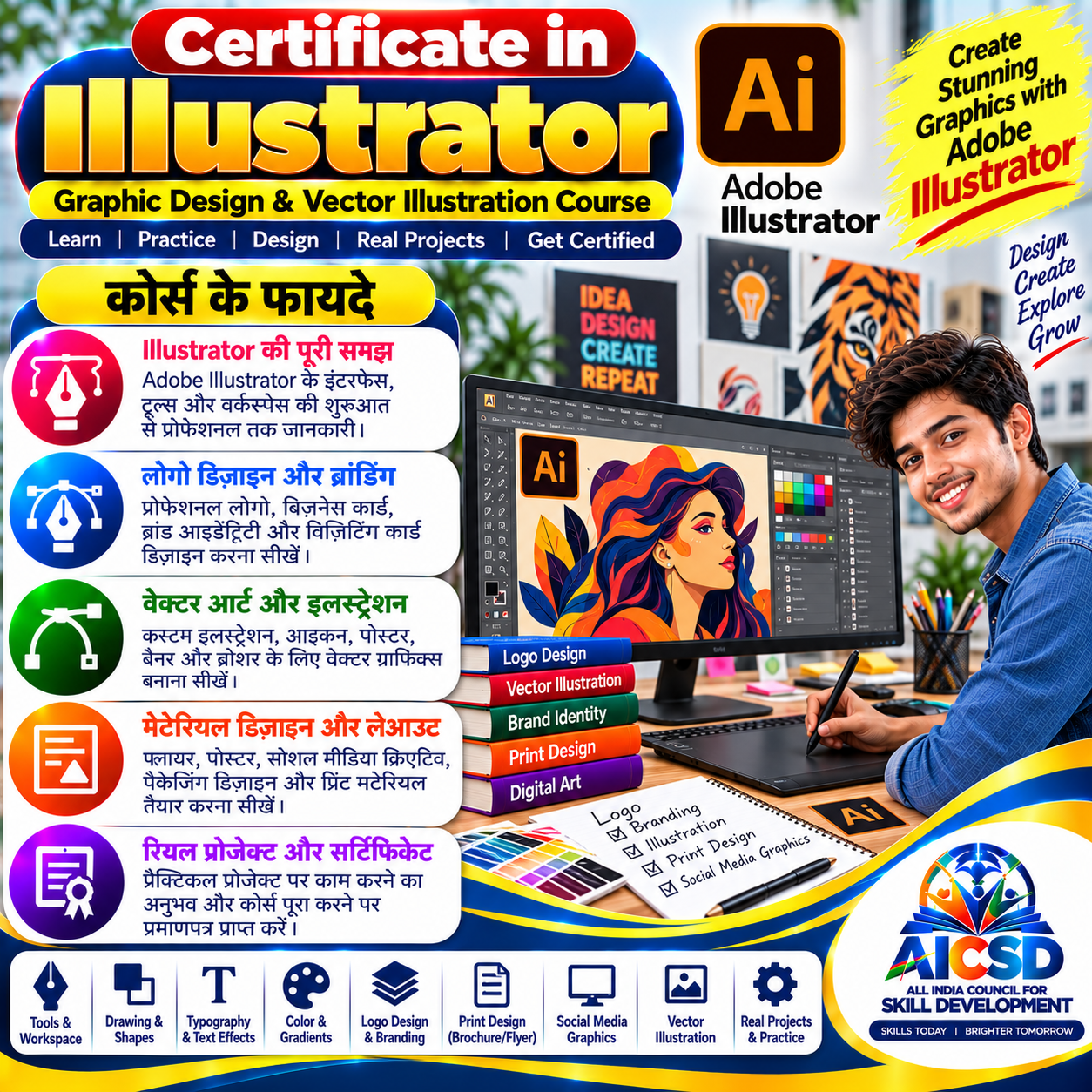
Certificate in Illustrator
Learn vector illustration, logo creation, and graphic design using Adobe Illustrator.
DURATION
2 Months
ELIGIBILITY
8th Pass
LEARNING MODE
BOTH
CERTIFICATION
ISO & Govt Valid
Standard Approved Fee
₹500
Transparent Pricing & No Hidden Charges
Course Overview & Objectives
In-depth summary of what you will master during this program
🌟 📘 About This Course
The Certificate in Illustrator is designed to develop professional vector graphic design and digital illustration skills using Adobe Illustrator. The course covers the software interface, drawing tools, pen tool, shapes, paths, colour management, typography, layers, and object manipulation. Learners gain hands-on experience in creating logos, icons, illustrations, business cards, brochures, posters, social media graphics, and branding materials. The curriculum also introduces gradients, patterns, clipping masks, image tracing, appearance effects, and artwork preparation for print and digital media. This course provides a foundation for careers in graphic design, digital illustration, advertising, branding, publishing, and freelance design services.
📚 📝 What Will You Learn?
🎨 Understand the Adobe Illustrator interface, workspace, panels, and essential design tools.
✏️ Create vector graphics using the Pen, Pencil, Shape, and Curvature tools.
📐 Learn anchor points, paths, curves, and precise object editing.
🖌️ Apply colours, gradients, patterns, strokes, and professional colour combinations.
🔤 Explore typography, text formatting, font selection, and creative text effects.
🗂️ Manage layers, groups, alignment, arrangement, and object transformations.
🖼️ Learn image placement, image tracing, clipping masks, and vector conversion.
✨ Apply transparency, blending modes, appearance effects, and graphic styles.
💳 Design professional logos, icons, business cards, and brand identity materials.
📢 Create posters, brochures, flyers, banners, and promotional graphics.
📱 Develop illustrations and graphics for websites, social media, and digital marketing.
🧩 Understand shapes, pathfinder operations, compound paths, and shape-building techniques.
🖨️ Prepare artwork for printing by setting dimensions, bleed, colour modes, and export settings.
💾 Save and export designs in formats such as AI, PDF, SVG, EPS, and PNG, where supported.
📁 Build a portfolio of original vector illustrations and graphic design projects.
💼 Explore career opportunities in graphic design, illustration, branding, advertising, and freelance designing.
👨🎓 🎯 Who Should Enroll?
This course is suitable for students, beginners, aspiring graphic designers, digital artists, content creators, and individuals interested in vector illustration. It is particularly beneficial for those seeking opportunities in advertising agencies, design studios, publishing houses, printing businesses, digital marketing companies, and freelance creative services. No prior Illustrator experience is required, although basic computer knowledge and an interest in creative design are helpful.
Duration & Eligibility Criteria
Admission requirements and session timelineCourse Duration
2 Months
Min Qualification
8th Pass
Age Limit
No Age Limit
Academic Curriculum & Syllabus
Modular breakdown of theoretical and practical subjects
Key Topics & Syllabus Details:
Marks: Max 100 (Pass 40)
Create vector illustrations
logos
icons
and scalable artwork using Adobe Illustrator.
Study Material & Learning Kit
Digital reference guides, assignment books, and project filesComprehensive digital study materials and reference guides are provided upon enrollment & Study Material fee payment.
Printed books and digital PDFs are provided directly by the authorized training centre upon admission.
COURSE PROSPECTUS
Certified
Find Centre & Offline Fee
Select your area to find authorized study centres and calculate exact course fees.
Fee Structure Breakdown
Registration Fee:
₹100.00
Examination Fee:
₹400.00
Study Material Fee:
₹100.00
Online Learning Fee:
₹500.00
Standard Classroom Fee:
₹3,000.00
Select a centre above to view its approved classroom fee.
Centre Offline Fee:
₹0.00
Student Verification Services
What You Receive
-
1-on-1 Academic Roadmapping Expert evaluation of your background and optimal diploma recommendation.
-
Free Prospectus & Syllabus E-Book Complete subject blueprint, practical project list, and study modules.
-
Fee Scholarship & Installment Eligibility Evaluation for special student fee concessions and flexible monthly plans.
-
Verifiable Certificate Assurance Online QR-verifiable certificate & marksheet issued upon course completion.
Direct Admissions Desk
Have queries before paying or need help locating an authorized centre in your area? Contact our centralized admission desk:
Head Office: Main Office- 35 Belgachia Road, Kolkata 700037
Helpline: +91 8100060188 / +91 8100060188
Email: [email protected]
Useful Links
Quick access to popular portal sections and resources: